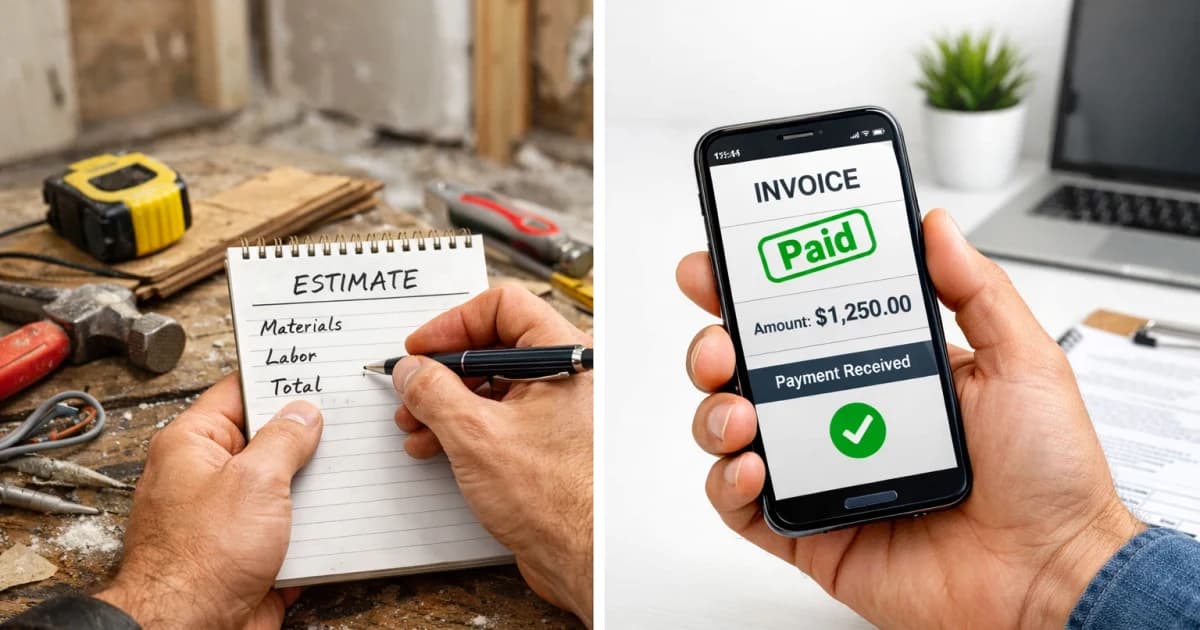
Estimate vs. Invoice for a Handyman Business
Clear estimate vs. invoice workflow for handyman jobs so customers know what they are approving and when payment is due.
March 26, 2026 · 6 min read · Tessa Caldwell
Customers get confused when they do not know which document they are looking at. They call asking if they owe money when they are holding an estimate. They sign an invoice thinking it is just an estimate. That confusion causes friction, delays payment, and makes you look unorganized.
The fix is simple: label everything clearly and know when to send which.
The Core Answer
An estimate is what you send before the job. It tells the customer what the work will cost, what is included, and how long it is valid. An invoice is what you send after the job. It tells them what was done and what they owe right now.
Always label them. "ESTIMATE" at the top of the pre-job document. "INVOICE" at the top of the post-job document. Include the date, the scope of work, and your contact information on both.
The invoice should match the estimate unless the scope changed. If scope changed, the customer should already know about it because you told them mid-job before you did the extra work.
When It Gets More Complicated
1. The customer treats your estimate as a contract. That means your estimate needs to spell out what is covered and what is not. "This estimate covers X, Y, and Z. It does not include additional work discovered on site." Put that language on every estimate.
2. The job scope grows on site. Do not just do more work and hope they pay for it. Stop, tell them what you found, give them a new number, get a yes, then proceed. Get the approval in a text if nothing else.
3. The customer is surprised by the invoice total because it is higher than the estimate. This means scope changed and you did not tell them. That is on you. Talk to them, explain what happened, and work it out. Put better language on your estimates going forward.
How to Actually Do It
1. Send an estimate for any job over $150. It does not need to be elaborate. Job description, total price, what is included, what is not, validity date.
2. Get a reply from the customer confirming they accept the estimate. A text works. "Sounds good, go ahead" is enough.
3. If scope changes on site, pause and get approval before proceeding. Text is fine: "Found [issue]. Going to add [fix]. That adds $X to the total. Okay to proceed?"
4. Invoice same day you finish. Use the estimate as your base. Add any approved scope changes. Label it "INVOICE." Include payment terms.
5. Make sure your payment terms are on the invoice: "Due on receipt" or "Net 7" or whatever you have set. Do not leave it ambiguous.
Estimate Vs Invoice For Handyman Business Implementation Notes
Estimate Vs Invoice For Handyman Business should have its own operating rule, not just a reused marketing paragraph. For this topic, the practical distinction is estimate: what the customer or crew needs to decide before the next step. Treat invoice as the handoff detail and handyman as the proof point you review after the first week.
In a small contractor business, the useful version of this playbook is a one-page field standard: who owns the first response, what information must be collected, which price or schedule boundary gets stated, and when the lead moves to a quote, callback, invoice, review request, or no-fit status. That keeps the page tied to real work instead of sounding like another generic pricing ops article.
For LightWork customers, the action item is to turn the topic into a trackable workflow inside the estimate and booking path. Add the specific question, route, tag, script, or price assumption that matches estimate vs invoice for handyman business; then review the next ten jobs to see whether response time, close rate, callback rate, or payment speed actually changed.
- Decision trigger: estimate vs invoice for handyman business
- Field note to capture: estimate, invoice, handyman
- Owner: the person who answers, quotes, schedules, or collects payment
- Review metric: one number tied to pricing ops, not a vanity traffic count
- Estimate Vs Invoice For Handyman Business checkpoint 1: capture the estimate detail for this estimate vs invoice for handyman business workflow, confirm invoice ownership, and record the result.
- Estimate Vs Invoice For Handyman Business checkpoint 2: capture the invoice detail for this estimate vs invoice for handyman business workflow, confirm handyman ownership, and record the result.
- Estimate Vs Invoice For Handyman Business checkpoint 3: capture the handyman detail for this estimate vs invoice for handyman business workflow, confirm business ownership, and record the result.
- Estimate Vs Invoice For Handyman Business checkpoint 4: capture the business detail for this estimate vs invoice for handyman business workflow, confirm estimate ownership, and record the result.
- Estimate Vs Invoice For Handyman Business checkpoint 5: capture the estimate detail for this estimate vs invoice for handyman business workflow, confirm invoice ownership, and record the result.
- Estimate Vs Invoice For Handyman Business checkpoint 6: capture the invoice detail for this estimate vs invoice for handyman business workflow, confirm handyman ownership, and record the result.
- Estimate Vs Invoice For Handyman Business checkpoint 7: capture the handyman detail for this estimate vs invoice for handyman business workflow, confirm business ownership, and record the result.
- Estimate Vs Invoice For Handyman Business checkpoint 8: capture the business detail for this estimate vs invoice for handyman business workflow, confirm estimate ownership, and record the result.
- Estimate Vs Invoice For Handyman Business checkpoint 9: capture the estimate detail for this estimate vs invoice for handyman business workflow, confirm invoice ownership, and record the result.
- Estimate Vs Invoice For Handyman Business checkpoint 10: capture the invoice detail for this estimate vs invoice for handyman business workflow, confirm handyman ownership, and record the result.
- Estimate Vs Invoice For Handyman Business checkpoint 11: capture the handyman detail for this estimate vs invoice for handyman business workflow, confirm business ownership, and record the result.
- Estimate Vs Invoice For Handyman Business checkpoint 12: capture the business detail for this estimate vs invoice for handyman business workflow, confirm estimate ownership, and record the result.
- Estimate Vs Invoice For Handyman Business checkpoint 13: capture the estimate detail for this estimate vs invoice for handyman business workflow, confirm invoice ownership, and record the result.
- Estimate Vs Invoice For Handyman Business checkpoint 14: capture the invoice detail for this estimate vs invoice for handyman business workflow, confirm handyman ownership, and record the result.
- Estimate Vs Invoice For Handyman Business checkpoint 15: capture the handyman detail for this estimate vs invoice for handyman business workflow, confirm business ownership, and record the result.
- Estimate Vs Invoice For Handyman Business checkpoint 16: capture the business detail for this estimate vs invoice for handyman business workflow, confirm estimate ownership, and record the result.
- Estimate Vs Invoice For Handyman Business checkpoint 17: capture the estimate detail for this estimate vs invoice for handyman business workflow, confirm invoice ownership, and record the result.
- Estimate Vs Invoice For Handyman Business checkpoint 18: capture the invoice detail for this estimate vs invoice for handyman business workflow, confirm handyman ownership, and record the result.
- Estimate Vs Invoice For Handyman Business checkpoint 19: capture the handyman detail for this estimate vs invoice for handyman business workflow, confirm business ownership, and record the result.
- Estimate Vs Invoice For Handyman Business checkpoint 20: capture the business detail for this estimate vs invoice for handyman business workflow, confirm estimate ownership, and record the result.
- Estimate Vs Invoice For Handyman Business checkpoint 21: capture the estimate detail for this estimate vs invoice for handyman business workflow, confirm invoice ownership, and record the result.
- Estimate Vs Invoice For Handyman Business checkpoint 22: capture the invoice detail for this estimate vs invoice for handyman business workflow, confirm handyman ownership, and record the result.
- Estimate Vs Invoice For Handyman Business checkpoint 23: capture the handyman detail for this estimate vs invoice for handyman business workflow, confirm business ownership, and record the result.
- Estimate Vs Invoice For Handyman Business checkpoint 24: capture the business detail for this estimate vs invoice for handyman business workflow, confirm estimate ownership, and record the result.
- Estimate Vs Invoice For Handyman Business checkpoint 25: capture the estimate detail for this estimate vs invoice for handyman business workflow, confirm invoice ownership, and record the result.
- Estimate Vs Invoice For Handyman Business checkpoint 26: capture the invoice detail for this estimate vs invoice for handyman business workflow, confirm handyman ownership, and record the result.
- Estimate Vs Invoice For Handyman Business checkpoint 27: capture the handyman detail for this estimate vs invoice for handyman business workflow, confirm business ownership, and record the result.
- Estimate Vs Invoice For Handyman Business checkpoint 28: capture the business detail for this estimate vs invoice for handyman business workflow, confirm estimate ownership, and record the result.
- Estimate Vs Invoice For Handyman Business checkpoint 29: capture the estimate detail for this estimate vs invoice for handyman business workflow, confirm invoice ownership, and record the result.
- Estimate Vs Invoice For Handyman Business checkpoint 30: capture the invoice detail for this estimate vs invoice for handyman business workflow, confirm handyman ownership, and record the result.
- Estimate Vs Invoice For Handyman Business checkpoint 31: capture the handyman detail for this estimate vs invoice for handyman business workflow, confirm business ownership, and record the result.
- Estimate Vs Invoice For Handyman Business checkpoint 32: capture the business detail for this estimate vs invoice for handyman business workflow, confirm estimate ownership, and record the result.
- Estimate Vs Invoice For Handyman Business checkpoint 33: capture the estimate detail for this estimate vs invoice for handyman business workflow, confirm invoice ownership, and record the result.
- Estimate Vs Invoice For Handyman Business checkpoint 34: capture the invoice detail for this estimate vs invoice for handyman business workflow, confirm handyman ownership, and record the result.
- Estimate Vs Invoice For Handyman Business checkpoint 35: capture the handyman detail for this estimate vs invoice for handyman business workflow, confirm business ownership, and record the result.
- Estimate Vs Invoice For Handyman Business checkpoint 36: capture the business detail for this estimate vs invoice for handyman business workflow, confirm estimate ownership, and record the result.
FAQ
What is the difference between an estimate and a quote?
In most trades, they are used interchangeably, but a quote is sometimes treated as a firm fixed price, while an estimate implies the final number could shift based on what is found on site. For a handyman business, it matters less what you call it and more that you spell out on the document what is included, what is not, and how long the number is valid. A validity clause protects you on either.
When should I send an invoice?
The same day the job is done. Before you leave the driveway is ideal. The longer you wait, the longer you wait to get paid. Most invoicing apps, including Joist and Invoice2go, let you send from your phone in about 3 minutes.
Can I charge more than my estimate?
Yes, if scope changed and you communicated the change before doing the extra work. If the job grew and you never told the customer, it is a much harder conversation when the invoice arrives. The rule: no surprise charges. Any addition to scope gets a conversation and approval before you do it.