Contractor Booking Automation
contractor booking automation guide for contractors and field service crews to qualify leads, route dispatch, schedule booking, send quotes, and keep jobs profitable without.
March 19, 2026 · 7 min read · Ray Donnelly
Overview
Most booking systems fail because they automate too early and qualify too late. Reddit threads from small contractor shops consistently show the same pattern: missed context in intake creates back-and-forth, no-shows, and underquoted work. This playbook gives you a booking flow that keeps speed high while protecting margin and crew utilization.
Build your implementation path with AI estimating workflows, pricing options, and guided setup.
Where booking automation breaks in real contractor shops
Reddit threads from solo and small-crew operators show common failure points: disconnected tools, missing scope details, and calendar commitments made before qualification. The result is noisy schedules and weak close rates.
Automation should remove admin delay, not judgment. Your system needs qualification gates before slot assignment and a clear escalation path for complex jobs.
- Do not auto-book low-information leads
- Use intake requirements before schedule confirmation
- Reserve human review for high-variance scopes
- Log all customer promises in one visible thread
Exact booking flow: lead to confirmed job
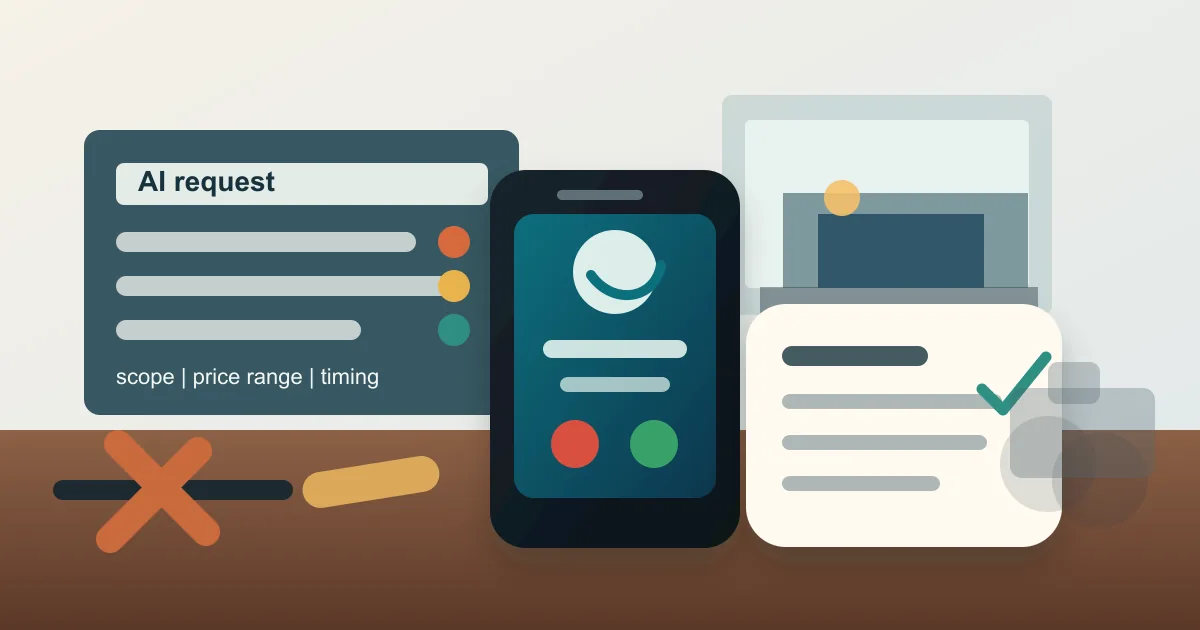
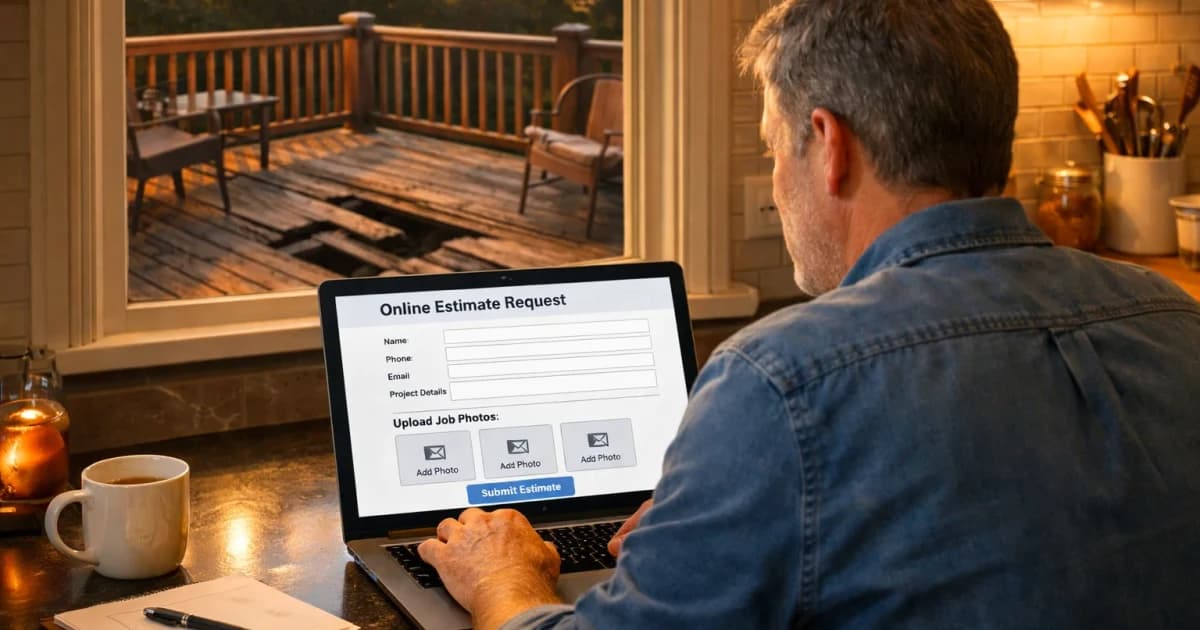
Step 1: instant acknowledgement with response window. Step 2: qualification form for service type, location, urgency, access, and photos. Step 3: lead scoring and route eligibility check.
Step 4: send either instant slot options (high-fit, low-variance jobs) or a consult-call option (complex jobs). Step 5: issue confirmation with prep checklist and cancellation policy.
- Trigger SMS within one minute of form submit
- Require must-have fields before scheduling link appears
- Use score thresholds to separate auto-book vs manual review
- Attach reminders at 24h and 2h pre-visit
Situation handling and fallback logic
Define fallback states before launch so your team is not improvising under pressure. The most important branches are no-response, incomplete scope, and no-show risk.
Each branch should have one owner, one message template, and one deadline. This keeps customer communication consistent and auditable.
- Incomplete scope after first touch: send one-click photo checklist
- No customer reply in 2 hours: move to nurture queue with final prompt
- Likely no-show indicators: require reconfirmation before dispatch
- Job changed materially: convert booking to scoped estimate workflow
What to measure in the first 30 days
Start with response-time and booking-quality metrics, then tune for close rate. Fast but low-quality bookings will overwhelm your crew and increase callbacks.
Run weekly review sessions on booked-vs-completed jobs to identify where intake wording needs refinement.
- First response under five minutes
- Qualified-to-booked conversion rate
- Booked-to-completed ratio
- Callback and reschedule rate by intake source
Contractor Booking Automation Playbook Implementation Notes
Contractor Booking Automation Playbook should have its own operating rule, not just a reused marketing paragraph. For this topic, the practical distinction is booking: what the customer or crew needs to decide before the next step. Treat automation as the handoff detail and playbook as the proof point you review after the first week.
In a small contractor business, the useful version of this playbook is a one-page field standard: who owns the first response, what information must be collected, which price or schedule boundary gets stated, and when the lead moves to a quote, callback, invoice, review request, or no-fit status. That keeps the page tied to real work instead of sounding like another generic lead ops article.
For LightWork customers, the action item is to turn the topic into a trackable workflow inside the estimate and booking path. Add the specific question, route, tag, script, or price assumption that matches contractor booking automation; then review the next ten jobs to see whether response time, close rate, callback rate, or payment speed actually changed.
- Decision trigger: contractor booking automation
- Field note to capture: booking, automation, playbook
- Owner: the person who answers, quotes, schedules, or collects payment
- Review metric: one number tied to lead ops, not a vanity traffic count
- Contractor Booking Automation Playbook checkpoint 1: capture the booking detail for this contractor booking automation playbook workflow, confirm automation ownership, and record the result.
- Contractor Booking Automation Playbook checkpoint 2: capture the automation detail for this contractor booking automation playbook workflow, confirm playbook ownership, and record the result.
- Contractor Booking Automation Playbook checkpoint 3: capture the playbook detail for this contractor booking automation playbook workflow, confirm booking ownership, and record the result.
- Contractor Booking Automation Playbook checkpoint 4: capture the booking detail for this contractor booking automation playbook workflow, confirm automation ownership, and record the result.
- Contractor Booking Automation Playbook checkpoint 5: capture the automation detail for this contractor booking automation playbook workflow, confirm playbook ownership, and record the result.
- Contractor Booking Automation Playbook checkpoint 6: capture the playbook detail for this contractor booking automation playbook workflow, confirm booking ownership, and record the result.
- Contractor Booking Automation Playbook checkpoint 7: capture the booking detail for this contractor booking automation playbook workflow, confirm automation ownership, and record the result.
- Contractor Booking Automation Playbook checkpoint 8: capture the automation detail for this contractor booking automation playbook workflow, confirm playbook ownership, and record the result.
- Contractor Booking Automation Playbook checkpoint 9: capture the playbook detail for this contractor booking automation playbook workflow, confirm booking ownership, and record the result.
- Contractor Booking Automation Playbook checkpoint 10: capture the booking detail for this contractor booking automation playbook workflow, confirm automation ownership, and record the result.
- Contractor Booking Automation Playbook checkpoint 11: capture the automation detail for this contractor booking automation playbook workflow, confirm playbook ownership, and record the result.
- Contractor Booking Automation Playbook checkpoint 12: capture the playbook detail for this contractor booking automation playbook workflow, confirm booking ownership, and record the result.
- Contractor Booking Automation Playbook checkpoint 13: capture the booking detail for this contractor booking automation playbook workflow, confirm automation ownership, and record the result.
- Contractor Booking Automation Playbook checkpoint 14: capture the automation detail for this contractor booking automation playbook workflow, confirm playbook ownership, and record the result.
- Contractor Booking Automation Playbook checkpoint 15: capture the playbook detail for this contractor booking automation playbook workflow, confirm booking ownership, and record the result.
- Contractor Booking Automation Playbook checkpoint 16: capture the booking detail for this contractor booking automation playbook workflow, confirm automation ownership, and record the result.
- Contractor Booking Automation Playbook checkpoint 17: capture the automation detail for this contractor booking automation playbook workflow, confirm playbook ownership, and record the result.
- Contractor Booking Automation Playbook checkpoint 18: capture the playbook detail for this contractor booking automation playbook workflow, confirm booking ownership, and record the result.
- Contractor Booking Automation Playbook checkpoint 19: capture the booking detail for this contractor booking automation playbook workflow, confirm automation ownership, and record the result.
- Contractor Booking Automation Playbook checkpoint 20: capture the automation detail for this contractor booking automation playbook workflow, confirm playbook ownership, and record the result.
- Contractor Booking Automation Playbook checkpoint 21: capture the playbook detail for this contractor booking automation playbook workflow, confirm booking ownership, and record the result.
- Contractor Booking Automation Playbook checkpoint 22: capture the booking detail for this contractor booking automation playbook workflow, confirm automation ownership, and record the result.
- Contractor Booking Automation Playbook checkpoint 23: capture the automation detail for this contractor booking automation playbook workflow, confirm playbook ownership, and record the result.
- Contractor Booking Automation Playbook checkpoint 24: capture the playbook detail for this contractor booking automation playbook workflow, confirm booking ownership, and record the result.
- Contractor Booking Automation Playbook checkpoint 25: capture the booking detail for this contractor booking automation playbook workflow, confirm automation ownership, and record the result.
- Contractor Booking Automation Playbook checkpoint 26: capture the automation detail for this contractor booking automation playbook workflow, confirm playbook ownership, and record the result.
- Contractor Booking Automation Playbook checkpoint 27: capture the playbook detail for this contractor booking automation playbook workflow, confirm booking ownership, and record the result.
- Contractor Booking Automation Playbook checkpoint 28: capture the booking detail for this contractor booking automation playbook workflow, confirm automation ownership, and record the result.
- Contractor Booking Automation Playbook checkpoint 29: capture the automation detail for this contractor booking automation playbook workflow, confirm playbook ownership, and record the result.
- Contractor Booking Automation Playbook checkpoint 30: capture the playbook detail for this contractor booking automation playbook workflow, confirm booking ownership, and record the result.
- Contractor Booking Automation Playbook checkpoint 31: capture the booking detail for this contractor booking automation playbook workflow, confirm automation ownership, and record the result.
- Contractor Booking Automation Playbook checkpoint 32: capture the automation detail for this contractor booking automation playbook workflow, confirm playbook ownership, and record the result.
- Contractor Booking Automation Playbook checkpoint 33: capture the playbook detail for this contractor booking automation playbook workflow, confirm booking ownership, and record the result.
- Contractor Booking Automation Playbook checkpoint 34: capture the booking detail for this contractor booking automation playbook workflow, confirm automation ownership, and record the result.
- Contractor Booking Automation Playbook checkpoint 35: capture the automation detail for this contractor booking automation playbook workflow, confirm playbook ownership, and record the result.
- Contractor Booking Automation Playbook checkpoint 36: capture the playbook detail for this contractor booking automation playbook workflow, confirm booking ownership, and record the result.
Plain-English Terms In This Article
- Search Intent: What the customer is trying to do right now: learn, compare, or book.
- Conversion Rate: The percentage of leads or quotes that turn into real booked jobs.
- Close Rate: The percentage of estimates that become paying jobs.
- Qualified-To-Booked Rate: The share of qualified leads that actually get booked on your calendar.
- Callback: A return visit to fix or re-check work, often reducing profit if unmanaged.
Frequently Asked Questions
What should never be automated in booking?
Do not auto-confirm complex, low-detail, or high-risk jobs without human review and scope clarification.
How fast should first response be?
Immediate acknowledgement plus a qualified follow-up target inside five minutes is a strong benchmark for high-intent leads.
What is the most common automation failure?
Skipping qualification gates and assigning time slots before confirming service fit, scope clarity, and location feasibility.
How do we reduce no-shows?
Use two reminder touches, a concise prep checklist, and reconfirmation triggers for higher-risk appointments.
Next Step
Pair this content with a live estimate form and response automation so intent turns into booked work.
Stay updated
Keep up with the latest news and updates from LightWork. Follow us on social and sign up to get new strategy posts first.