Automated Estimating Software For Contractors
automated estimating software for contractors guide for contractors and field service crews to improve estimates, quotes, pricing, dispatch, booking, and invoicing with faster.
March 21, 2026 · 8 min read · Alana Brooks
Overview
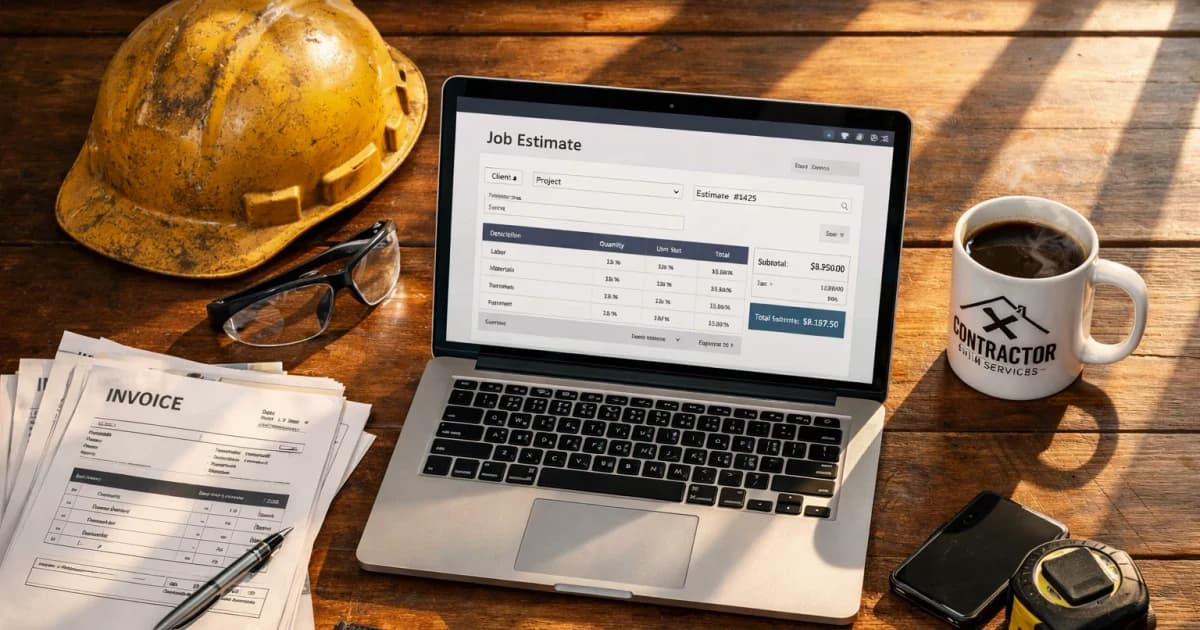
automated estimating software for contractors should do more than produce a number. For contractor teams, the real goal is faster quote delivery with tighter qualification and stronger margin control. This guide breaks down how to deploy estimating workflows that keep speed high without creating rework, underpricing, or calendar noise.
Build your implementation path with AI estimating workflows, pricing options, and guided setup.
Where automated estimating software for contractors creates real operational lift
Most estimate tools promise speed. Fewer improve decision quality. Operational lift comes from structured intake, scoped clarifying questions, and pricing controls that account for labor, materials, and service-area variability before a quote is surfaced.
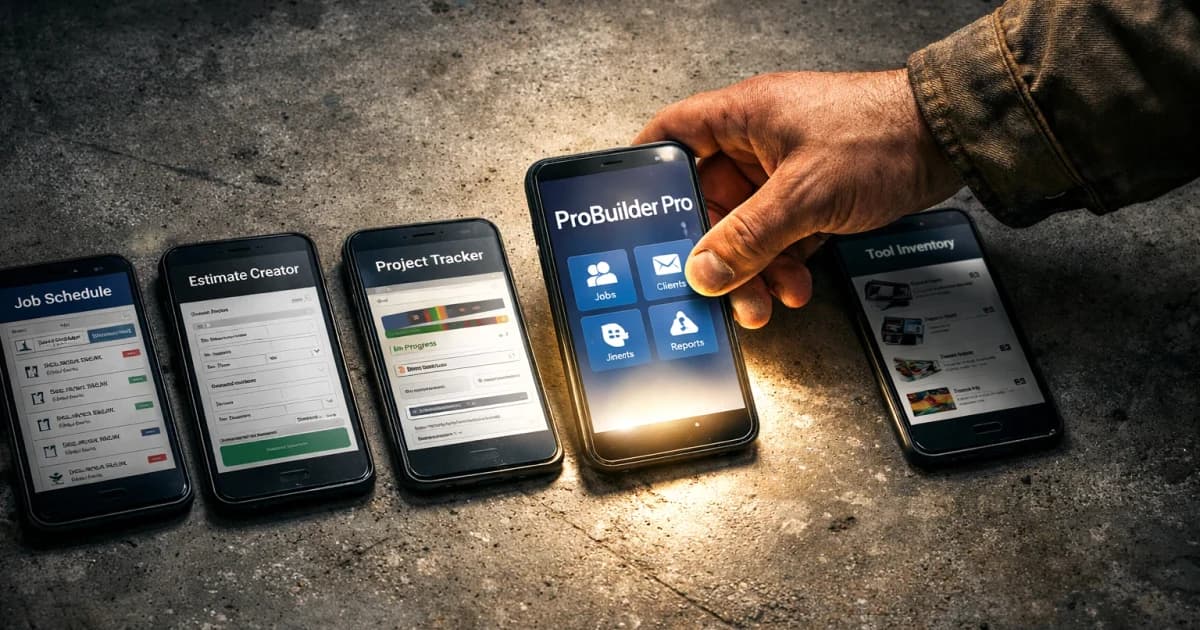
Treat estimate automation as an operations system, not just a sales widget. When intake, qualification, and quote logic are connected, your team spends less time rewriting estimates and more time moving qualified work to booking.
- Capture project details in a consistent format
- Apply pricing constraints before quote presentation
- Flag low-fit inquiries before manual handoff
- Route high-intent leads directly into scheduling
Launch model: first 30 days
Start with one service lane and one pricing model. Validate quote accuracy and close-rate movement before expanding to adjacent categories. A phased launch protects trust with both your internal team and your prospects.
Use weekly calibration loops: compare generated ranges to accepted jobs, identify outliers, and tighten rules. The teams that improve fastest are the teams that review quote-to-sold deltas consistently.
KPIs to track for margin-safe growth
Track median quote response time, qualified-lead rate, estimate-to-booking conversion, and gross margin by service category. These metrics keep your automation roadmap tied to revenue outcomes instead of activity volume.
If response time improves but margin drops, your pricing rules need adjustment. If qualification improves but booking stalls, improve estimate presentation and follow-up sequencing.
Ai Estimating Software For Contractors Playbook Implementation Notes
Ai Estimating Software For Contractors Playbook should have its own operating rule, not just a reused marketing paragraph. For this topic, the practical distinction is automated: what the customer or crew needs to decide before the next step. Treat estimating as the handoff detail and software as the proof point you review after the first week.
In a small contractor business, the useful version of this playbook is a one-page field standard: who owns the first response, what information must be collected, which price or schedule boundary gets stated, and when the lead moves to a quote, callback, invoice, review request, or no-fit status. That keeps the page tied to real work instead of sounding like another generic estimating article.
For LightWork customers, the action item is to turn the topic into a trackable workflow inside the estimate and booking path. Add the specific question, route, tag, script, or price assumption that matches automated estimating software for contractors; then review the next ten jobs to see whether response time, close rate, callback rate, or payment speed actually changed.
- Decision trigger: automated estimating software for contractors
- Field note to capture: automated, estimating, software
- Owner: the person who answers, quotes, schedules, or collects payment
- Review metric: one number tied to estimating, not a vanity traffic count
- Ai Estimating Software For Contractors Playbook checkpoint 1: capture the automated detail for this ai estimating software for contractors playbook workflow, confirm estimating ownership, and record the result.
- Ai Estimating Software For Contractors Playbook checkpoint 2: capture the estimating detail for this ai estimating software for contractors playbook workflow, confirm software ownership, and record the result.
- Ai Estimating Software For Contractors Playbook checkpoint 3: capture the software detail for this ai estimating software for contractors playbook workflow, confirm playbook ownership, and record the result.
- Ai Estimating Software For Contractors Playbook checkpoint 4: capture the playbook detail for this ai estimating software for contractors playbook workflow, confirm automated ownership, and record the result.
- Ai Estimating Software For Contractors Playbook checkpoint 5: capture the automated detail for this ai estimating software for contractors playbook workflow, confirm estimating ownership, and record the result.
- Ai Estimating Software For Contractors Playbook checkpoint 6: capture the estimating detail for this ai estimating software for contractors playbook workflow, confirm software ownership, and record the result.
- Ai Estimating Software For Contractors Playbook checkpoint 7: capture the software detail for this ai estimating software for contractors playbook workflow, confirm playbook ownership, and record the result.
- Ai Estimating Software For Contractors Playbook checkpoint 8: capture the playbook detail for this ai estimating software for contractors playbook workflow, confirm automated ownership, and record the result.
- Ai Estimating Software For Contractors Playbook checkpoint 9: capture the automated detail for this ai estimating software for contractors playbook workflow, confirm estimating ownership, and record the result.
- Ai Estimating Software For Contractors Playbook checkpoint 10: capture the estimating detail for this ai estimating software for contractors playbook workflow, confirm software ownership, and record the result.
- Ai Estimating Software For Contractors Playbook checkpoint 11: capture the software detail for this ai estimating software for contractors playbook workflow, confirm playbook ownership, and record the result.
- Ai Estimating Software For Contractors Playbook checkpoint 12: capture the playbook detail for this ai estimating software for contractors playbook workflow, confirm automated ownership, and record the result.
- Ai Estimating Software For Contractors Playbook checkpoint 13: capture the automated detail for this ai estimating software for contractors playbook workflow, confirm estimating ownership, and record the result.
- Ai Estimating Software For Contractors Playbook checkpoint 14: capture the estimating detail for this ai estimating software for contractors playbook workflow, confirm software ownership, and record the result.
- Ai Estimating Software For Contractors Playbook checkpoint 15: capture the software detail for this ai estimating software for contractors playbook workflow, confirm playbook ownership, and record the result.
- Ai Estimating Software For Contractors Playbook checkpoint 16: capture the playbook detail for this ai estimating software for contractors playbook workflow, confirm automated ownership, and record the result.
- Ai Estimating Software For Contractors Playbook checkpoint 17: capture the automated detail for this ai estimating software for contractors playbook workflow, confirm estimating ownership, and record the result.
- Ai Estimating Software For Contractors Playbook checkpoint 18: capture the estimating detail for this ai estimating software for contractors playbook workflow, confirm software ownership, and record the result.
- Ai Estimating Software For Contractors Playbook checkpoint 19: capture the software detail for this ai estimating software for contractors playbook workflow, confirm playbook ownership, and record the result.
- Ai Estimating Software For Contractors Playbook checkpoint 20: capture the playbook detail for this ai estimating software for contractors playbook workflow, confirm automated ownership, and record the result.
- Ai Estimating Software For Contractors Playbook checkpoint 21: capture the automated detail for this ai estimating software for contractors playbook workflow, confirm estimating ownership, and record the result.
- Ai Estimating Software For Contractors Playbook checkpoint 22: capture the estimating detail for this ai estimating software for contractors playbook workflow, confirm software ownership, and record the result.
- Ai Estimating Software For Contractors Playbook checkpoint 23: capture the software detail for this ai estimating software for contractors playbook workflow, confirm playbook ownership, and record the result.
- Ai Estimating Software For Contractors Playbook checkpoint 24: capture the playbook detail for this ai estimating software for contractors playbook workflow, confirm automated ownership, and record the result.
- Ai Estimating Software For Contractors Playbook checkpoint 25: capture the automated detail for this ai estimating software for contractors playbook workflow, confirm estimating ownership, and record the result.
- Ai Estimating Software For Contractors Playbook checkpoint 26: capture the estimating detail for this ai estimating software for contractors playbook workflow, confirm software ownership, and record the result.
- Ai Estimating Software For Contractors Playbook checkpoint 27: capture the software detail for this ai estimating software for contractors playbook workflow, confirm playbook ownership, and record the result.
- Ai Estimating Software For Contractors Playbook checkpoint 28: capture the playbook detail for this ai estimating software for contractors playbook workflow, confirm automated ownership, and record the result.
- Ai Estimating Software For Contractors Playbook checkpoint 29: capture the automated detail for this ai estimating software for contractors playbook workflow, confirm estimating ownership, and record the result.
- Ai Estimating Software For Contractors Playbook checkpoint 30: capture the estimating detail for this ai estimating software for contractors playbook workflow, confirm software ownership, and record the result.
- Ai Estimating Software For Contractors Playbook checkpoint 31: capture the software detail for this ai estimating software for contractors playbook workflow, confirm playbook ownership, and record the result.
- Ai Estimating Software For Contractors Playbook checkpoint 32: capture the playbook detail for this ai estimating software for contractors playbook workflow, confirm automated ownership, and record the result.
- Ai Estimating Software For Contractors Playbook checkpoint 33: capture the automated detail for this ai estimating software for contractors playbook workflow, confirm estimating ownership, and record the result.
- Ai Estimating Software For Contractors Playbook checkpoint 34: capture the estimating detail for this ai estimating software for contractors playbook workflow, confirm software ownership, and record the result.
- Ai Estimating Software For Contractors Playbook checkpoint 35: capture the software detail for this ai estimating software for contractors playbook workflow, confirm playbook ownership, and record the result.
- Ai Estimating Software For Contractors Playbook checkpoint 36: capture the playbook detail for this ai estimating software for contractors playbook workflow, confirm automated ownership, and record the result.
Plain-English Terms In This Article
- Search Intent: What the customer is trying to do right now: learn, compare, or book.
- KPI: A key number you track to see if your business process is actually improving.
- Conversion Rate: The percentage of leads or quotes that turn into real booked jobs.
- Close Rate: The percentage of estimates that become paying jobs.
- Gross Margin: Money left after direct job costs (labor/materials), before overhead and taxes.
- Callback: A return visit to fix or re-check work, often reducing profit if unmanaged.
Frequently Asked Questions
How fast can a team deploy automated estimating software for contractors?
Most teams can launch one service lane in one to two weeks, then expand after two to four calibration cycles.
Will estimate automation hurt quote accuracy?
Not when pricing guardrails and scope prompts are configured correctly. Accuracy improves as calibration data accumulates.
What should we track first?
Start with quote response time, estimate-to-booking rate, and gross margin by service type.
Next Step
Pair this content with a live estimate form and response automation so intent turns into booked work.
Stay updated
Keep up with the latest news and updates from LightWork. Follow us on social and sign up to get new strategy posts first.